
Voice Reminder
Voice reminders, alarms & a talking clock
Let your reminders speak. Create alarms for everyday tasks, hear the time aloud, and build repeating routines with your own messages, sounds, or vibration.

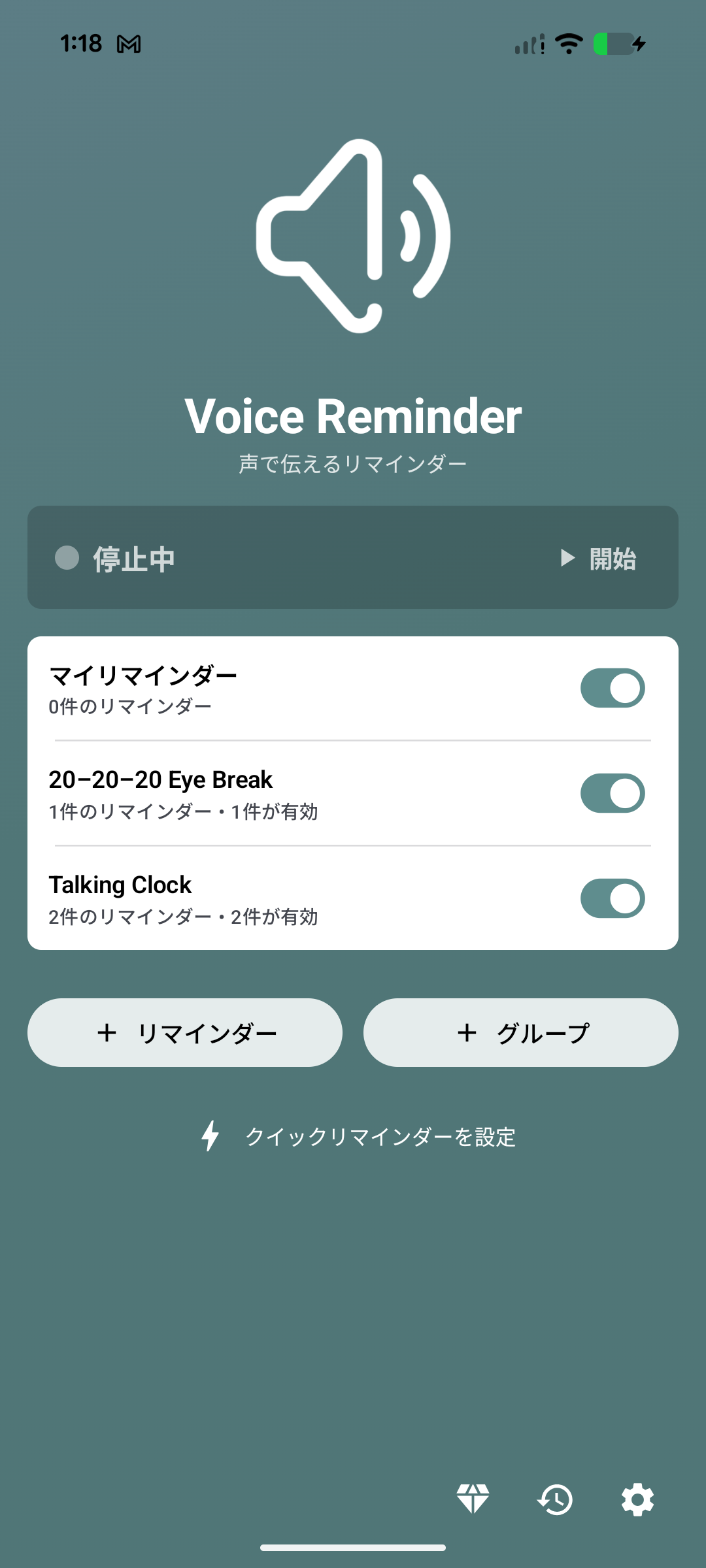
Keep track of time
Hear the time at regular intervals while you work, cook, or do chores, without repeatedly checking your phone.
Make room for breaks
Use a repeating reminder to stretch, drink water, or look away from your screen. The Eye Break template gives you a ready-made starting point.
Remember everyday tasks
Add a spoken reminder for a meeting, lunchtime, or your evening routine. Use one-time alarms for occasional tasks and repeating schedules for regular habits.
機能
Reminders that speak
Type what you want to hear and let text-to-speech read it aloud. Adjust the voice, speech rate, pitch, and volume to make each reminder easy to recognize.
A clock you can hear
Announce the current time with the %t token. Start from a Talking Clock template, then personalize individual time slots with messages such as “Time for lunch”.
Schedules for your routines
Set one-time alarms or repeat by minute interval, day, week, month, or year. Choose active periods and mute rules to fit workdays, evenings, and weekends.
Your sound, your reminder
Choose speech, sound, or vibration. Use custom audio and vibration patterns, or unlock combined methods with Premium. Adjust how reminders interact with music and connected Bluetooth devices.
Organize reminders in groups
Keep work, home, and personal routines in separate groups. Enable or pause a group together and share its active periods and playback rules across reminders.
Confirm, snooze & review
Enable acknowledgement for reminders that need a response. Mark them Done, Snooze them for later, and review execution history to see how each reminder was handled.
プライバシーと信頼
- アカウントは任意
サインインが必要な機能を選ばない限り、アカウントなしでアプリをご利用いただけます。
- デバイス上のローカルデータ
Reminders, groups, schedules, spoken messages, audio selections, app preferences, and execution history are stored on your device. Selected data is uploaded only if you create a cloud backup; account, reward, advertising, purchase, analytics, and diagnostic data are handled separately as described here. アプリをアンインストールするか、アプリデータを削除することで除去できます。
- 限られたデータがデバイス外で処理される場合があります
一部の限られたデータがアプリ機能, 分析, と 広告のためにデバイス外で処理される場合があります。 Optional Google account information と Cloud backup dataなどのオプション機能がアプリ機能のために追加データをデバイス外で処理する場合があります。

よくある質問
What can Voice Reminder do?
Create alarms and reminders that speak your message, play a sound, or vibrate. Use it as a talking clock, a reminder to take a break, or a prompt for everyday tasks.
Can it read the current time aloud?
Yes. Add the %t token to your spoken message to announce the current time. Choose 12-hour, 24-hour, or natural-language time reading. The Talking Clock templates help you get started quickly.
Which schedules are supported?
Set a one-time reminder or repeat every X minutes, daily, weekly, monthly, yearly, or on the last day of the month. Active periods and mute rules let you choose when reminders should play.
Does every reminder need to be dismissed?
Standard reminders finish after their configured playback. For tasks that need confirmation, enable acknowledgement so you can mark the reminder Done or Snooze it. Execution history helps you review what happened.
Why did a reminder stop or arrive late?
Check Warnings and issues in the app, allow exact alarms, and review battery and background restrictions. Also check the reminder and group switches, active periods, mute rules, and volume. In Free Mode, reopen the app before your free session expires to keep reminders running.
What is included in Free and Premium?
Free Mode is supported by ads and requires you to reopen the app periodically; rewarded ads can add more free days. Premium removes ads and the free-session limit, and unlocks combined reminder methods and more display controls. Annual and lifetime options are available; see the app for current prices.
Can reminders be backed up and restored?
When backup is available in the app, you can export a local file and restore it later. Free users watch an ad to create a local backup; any Premium plan removes that requirement. Local restore is free. Cloud backup and restore requires Google sign-in and an active Premium annual subscription; Premium lifetime includes local backup.
Is an account or an internet connection required?
You can create and run local reminders without an account. Offline speech depends on the voice and speech engine installed on your device. Google sign-in is used for cloud backups and saving rewarded free-session days. Ads, purchases, cloud features, and downloading voices need internet access.
Let your next reminder speak
Free with ads and periodic session renewal. Premium removes ads and free-session limits. Cloud backup and restore requires an active Premium annual subscription.